
Your SOP Is Unique. Your VR Training Should Be Too.
Two factories may use the same machine.
But they may not operate it the same way.
Their plant layouts can be different. Their workflows can be different. Their safety checkpoints, shutdown procedures, operator responsibilities and emergency protocols can all be different.
That is exactly why companies create their own Standard Operating Procedures.
So why should their VR training be generic?
Generic Training Teaches the Task. Your SOP Teaches Your Way.
A standard VR module can teach someone how a machine works or introduce a common safety procedure.
That has value.
But for critical operational training, there is a bigger question:
Does the simulation reflect what the employee will actually see and do at your facility?
Imagine training an operator in VR where the control panel is different, the machine is positioned differently and the safety sequence doesn’t match the company’s SOP.
The employee may learn the task.
But they aren’t necessarily learning your task, in your environment, according to your procedure.
That gap matters.
Custom VR Should Mirror the Real Workplace
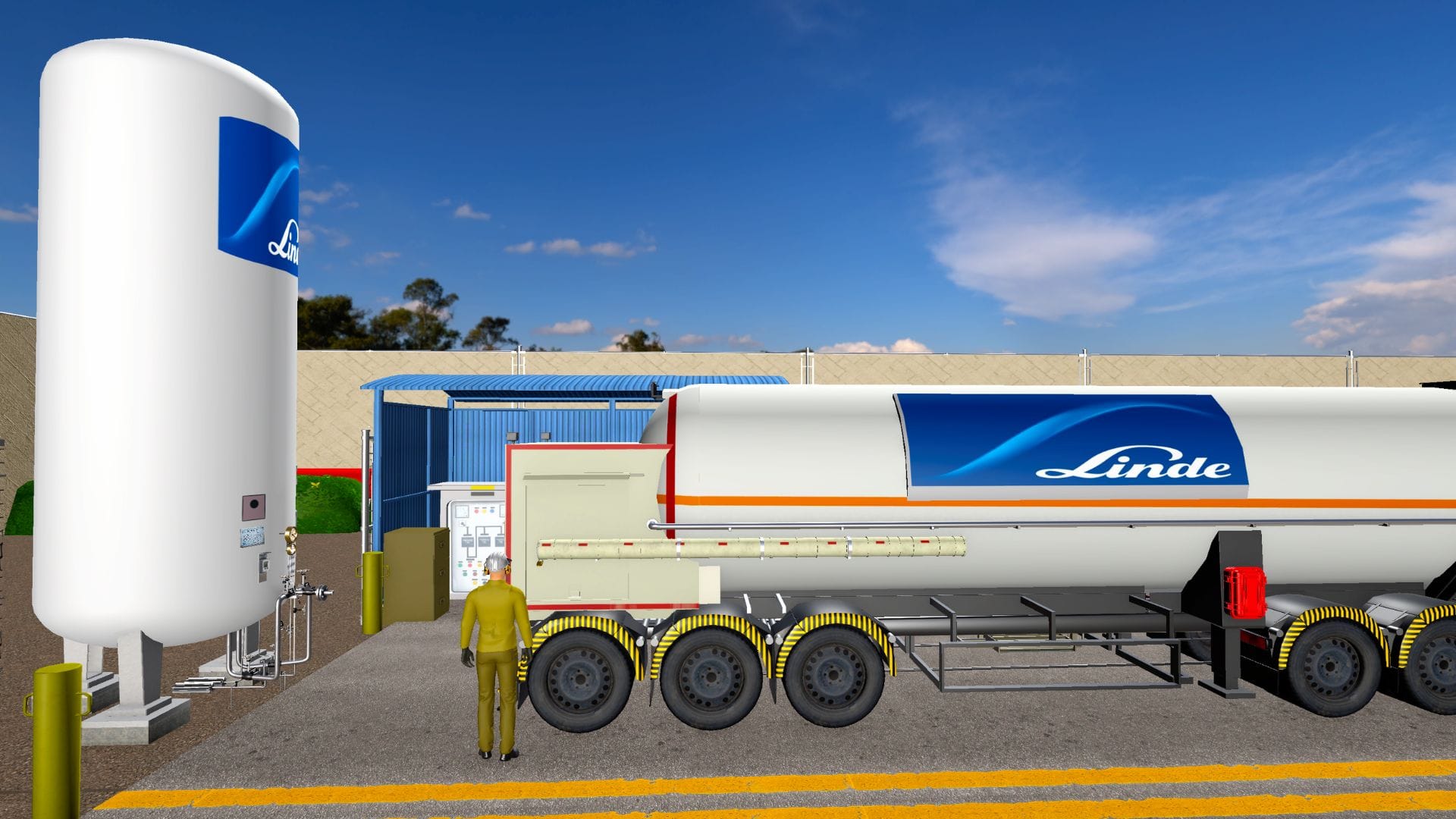
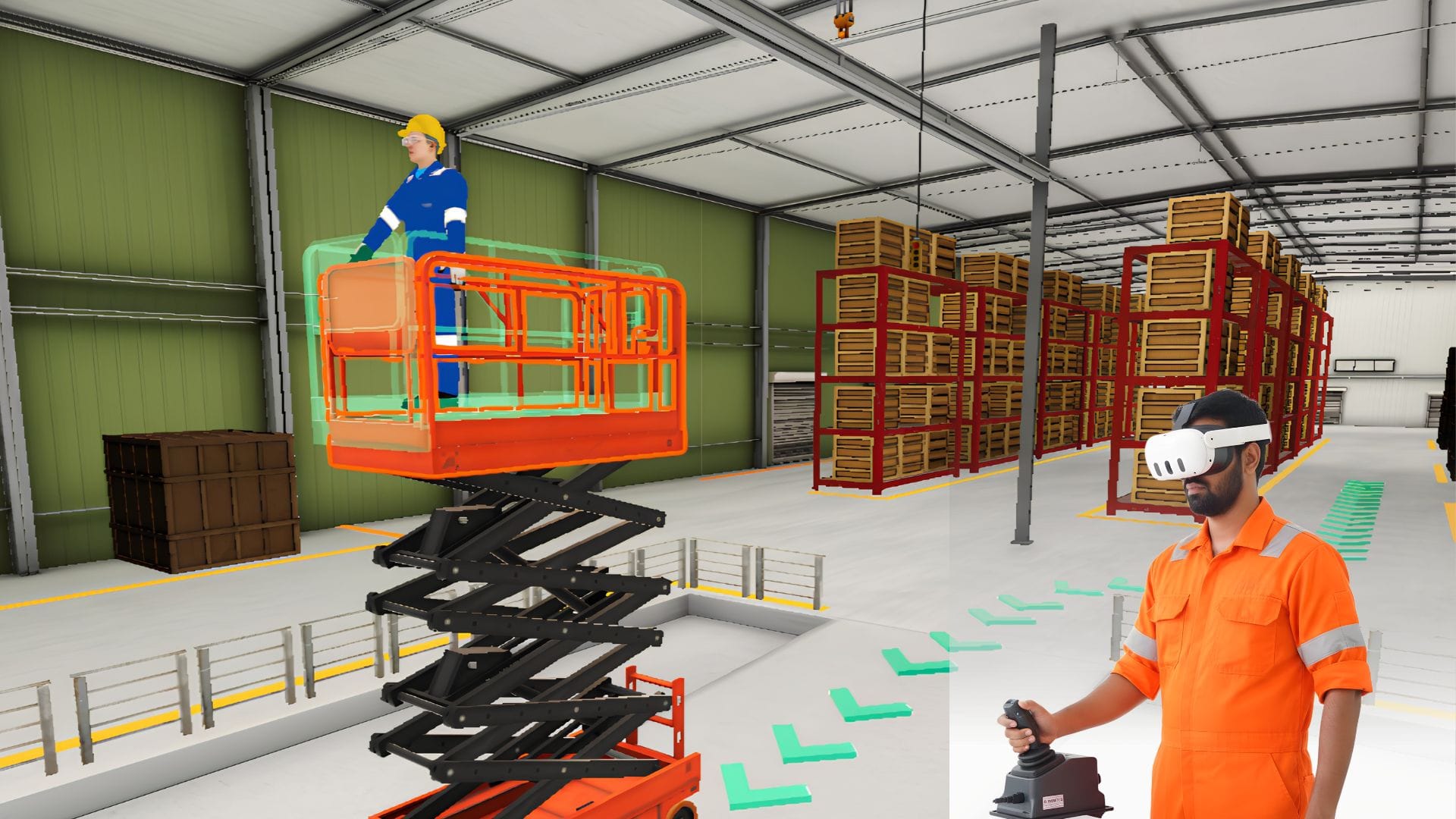
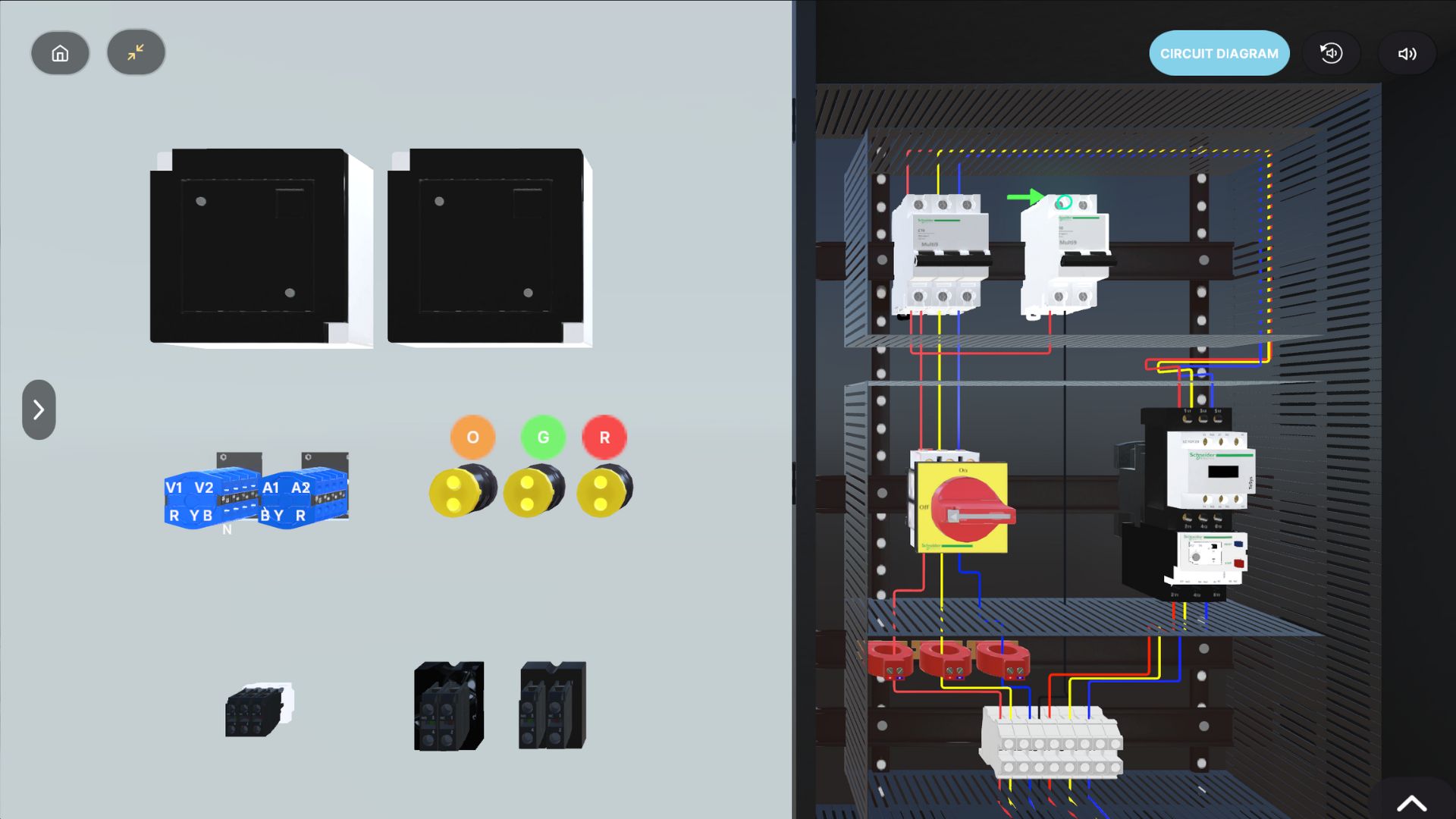
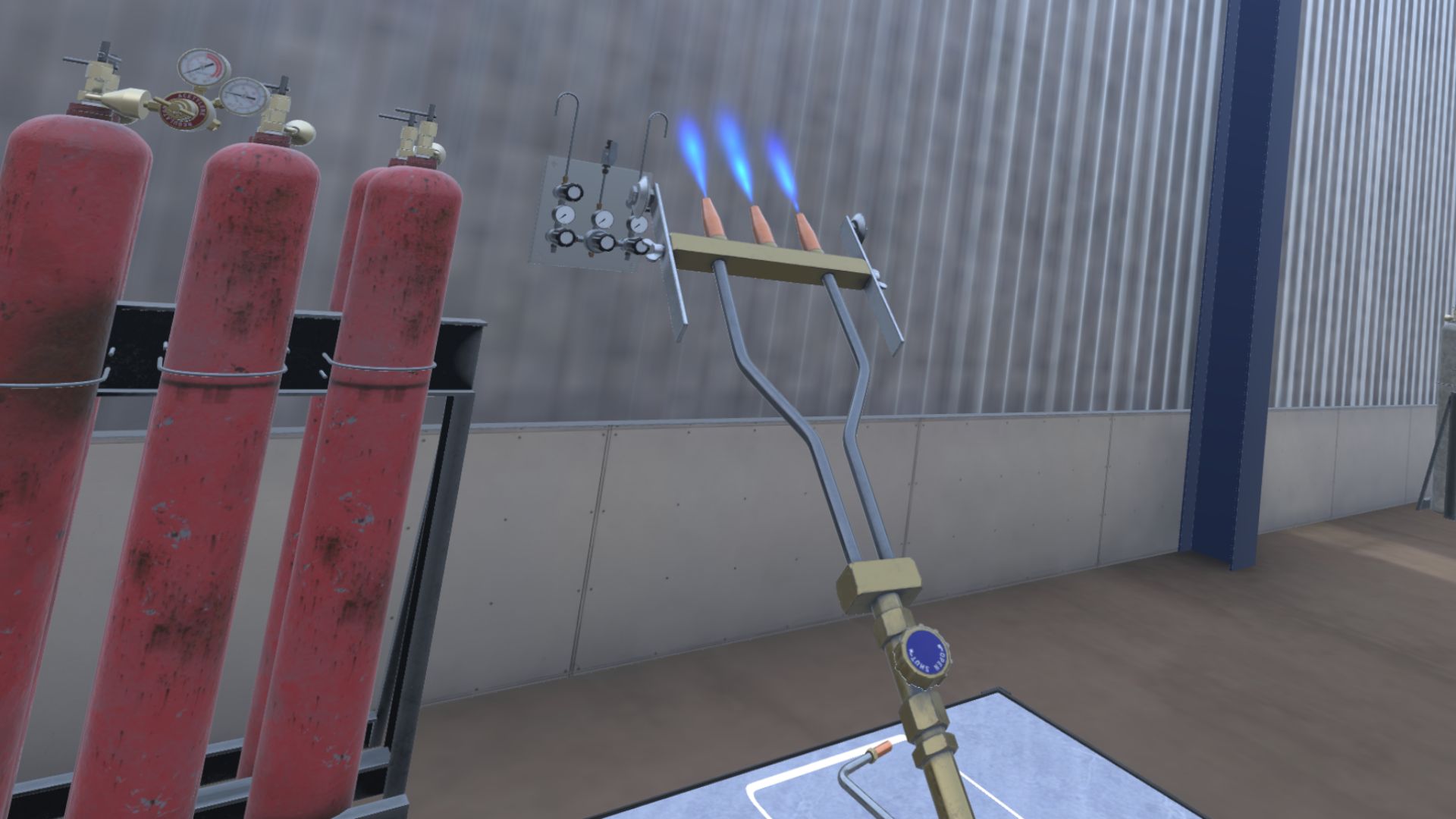
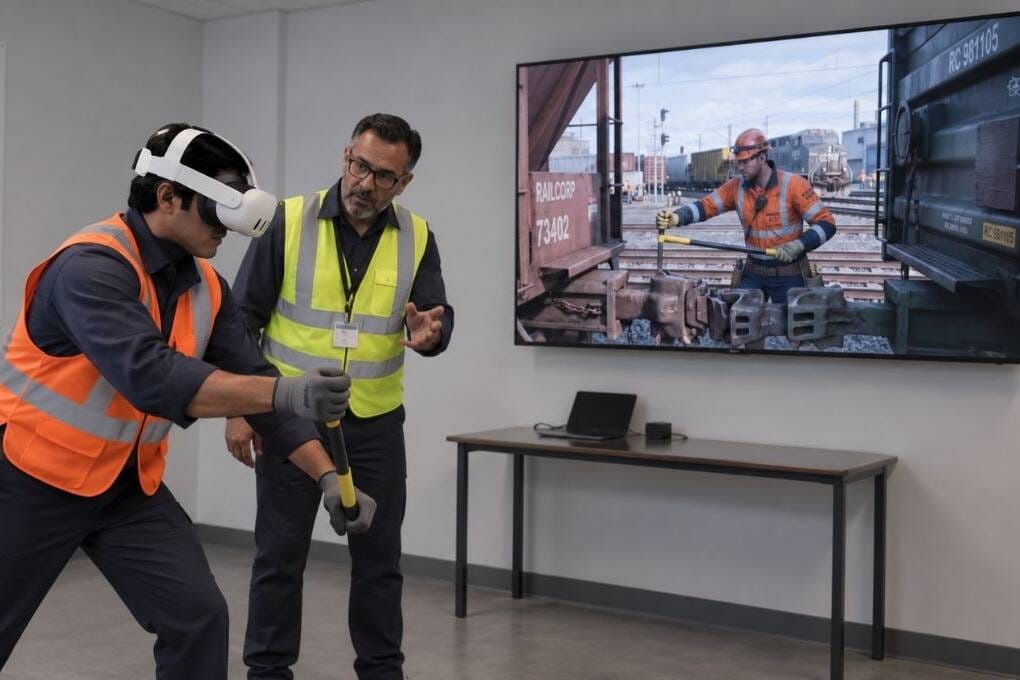
For SOP-based training, VR should go beyond realistic visuals and reflect how the job is actually performed. That means recreating the relevant machinery, controls, facility layout, tools, operating sequence, safety checkpoints, hazards and emergency procedures. When these elements match the real workplace, employees are not just experiencing a simulation. They are practising the actual procedure they will be expected to follow on the job.
How Spatio Builds Custom VR Training Around Your SOP
At Spatio, we don’t begin with the VR headset.
We begin with the process.
1. Understand the SOP
We work with your technical and training teams to understand the procedure, roles, sequence, safety requirements and expected outcomes.
2. Study the Actual Environment
We review the machinery, controls, tools, plant layout and working conditions in which the procedure takes place.
Where required, existing CAD data, reference material and site information can help recreate the environment accurately.
3. Convert the SOP Into a Training Scenario
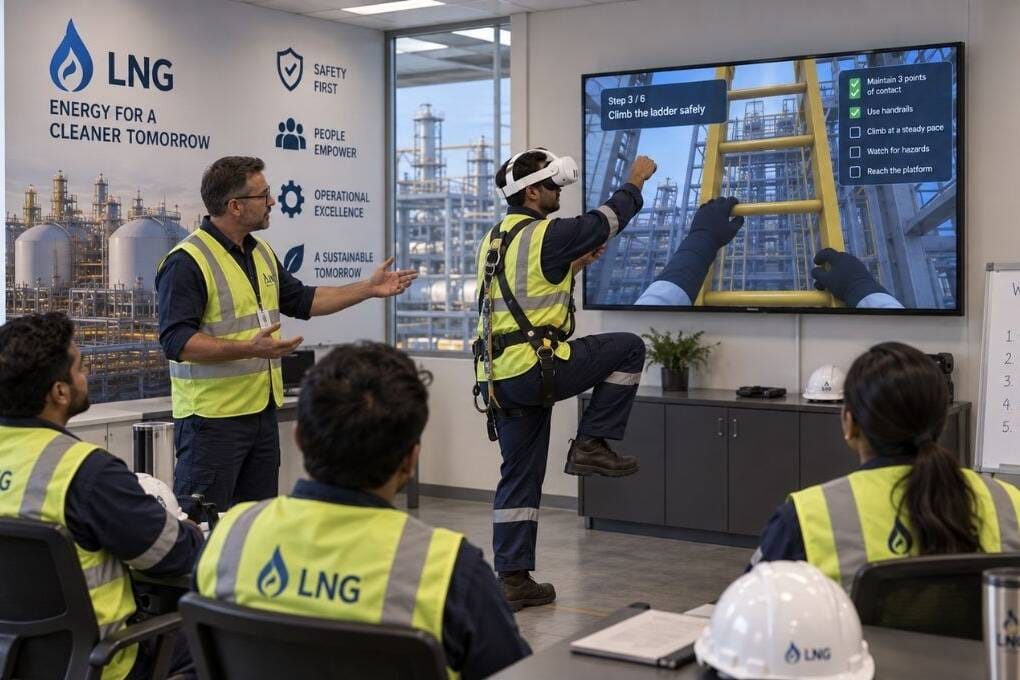
Each critical step becomes an interaction or decision.
Instead of being told what to do, the trainee has to perform the procedure.
Select the right equipment. Follow the sequence. Use the correct tool. Identify the hazard. Respond to the situation.
4. Recreate the Workplace in VR
The machinery, layout and relevant operational environment are digitally recreated so the experience feels familiar when the employee eventually performs the task onsite.
5. Build Assessment Into the Experience
The module can measure whether the trainee followed the correct sequence, skipped critical steps, made errors or needed multiple attempts.
Training becomes more than completion.
It becomes demonstrated performance.
The Goal Is Not Just Immersion. It Is Relevance.
A visually impressive VR experience isn’t enough if it doesn’t match what happens on the shop floor.
For general equipment familiarization, ready-to-deploy VR training can make perfect sense.
But when a company needs employees to follow a specific SOP, operate proprietary machinery or execute a site-specific procedure, customization becomes much more important.
The worker should be able to leave the virtual environment thinking:
“I’ve already practised this.”
Not:
“This is similar to what we do.”
Bring Your SOP Into VR
Your SOP was created around your equipment, your environment, your risks and your way of working.
Your critical training should reflect the same reality.
Spatio develops custom VR training modules that replicate your SOPs, machinery, workflows and workplace environments, turning documented procedures into experiences employees can actually practise.
Because the best VR training isn’t simply realistic.
It is realistic to your operation.