If you’re joining late in the series, catch up here:
[Part 1 – Business Decisions]
[Part 2 – Technical Architecture]
[Part 3 – 3D Content & UX]
[Part 4 – Designing Around the Haptic Gap]
[Part 5 – Scaling Across Diverse Learners]
[Part 6 – The VR Development Cycle]
After months of design, testing, and refinement – your VR simulator is finally ready. But there’s a difference between a working prototype and a fully deployed training solution.
The real success of a VR training initiative depends not just on what you build, but how you deploy it-across geographies, devices, trainers, and IT environments.
At Spatio, we work with enterprises to move beyond isolated pilots and into organization-wide deployment. Here’s what we’ve learned about making that jump smoothly and sustainably.
1. Network Integration: Don’t Treat XR Devices as Standalone Gadgets
Bring XR Into the Core IT Ecosystem-From Day 1
Many organizations initially treat XR headsets as consumer devices-standalone units outside the network perimeter. This quickly becomes a liability.
Why? Because XR devices rely on constant connectivity for:
- Content updates and deployments
- Security patches and version control
- Session casting and remote monitoring
At Spatio, we advise integrating XR hardware into your enterprise IT infrastructure from day one:
- Secure Wi-Fi provisioning
- Firewall rules and VPN access if required
- Proxy authentication support
- Logging and monitoring integration
Treating XR as part of your digital ecosystem ensures reliability, scalability, and security.
2. Device Management: Scaling Beyond 3 or 5 Units
Manual Management Doesn’t Scale.
One of the most common blockers to large-scale deployment is the absence of a Device Management System (DMS) for XR devices.
Without centralized control, admins end up:
- Manually updating firmware across devices
- Logging into each headset for content sync
- Struggling to enforce user policies or access control
- Lacking visibility into usage or health status
Spatio supports integration with major XR MDM solutions like ArborXR, ManageXR, and Workspace ONE to help clients:
- Push updates remotely
- Monitor device performance
- Enforce content access by location or user group
- Lock devices to training-only mode
Without this, what starts as a 10-device rollout quickly becomes an IT burden.
3. Train-the-Trainer: Empowering the Human Layer
The Best Simulator is Useless Without an Enabled Facilitator
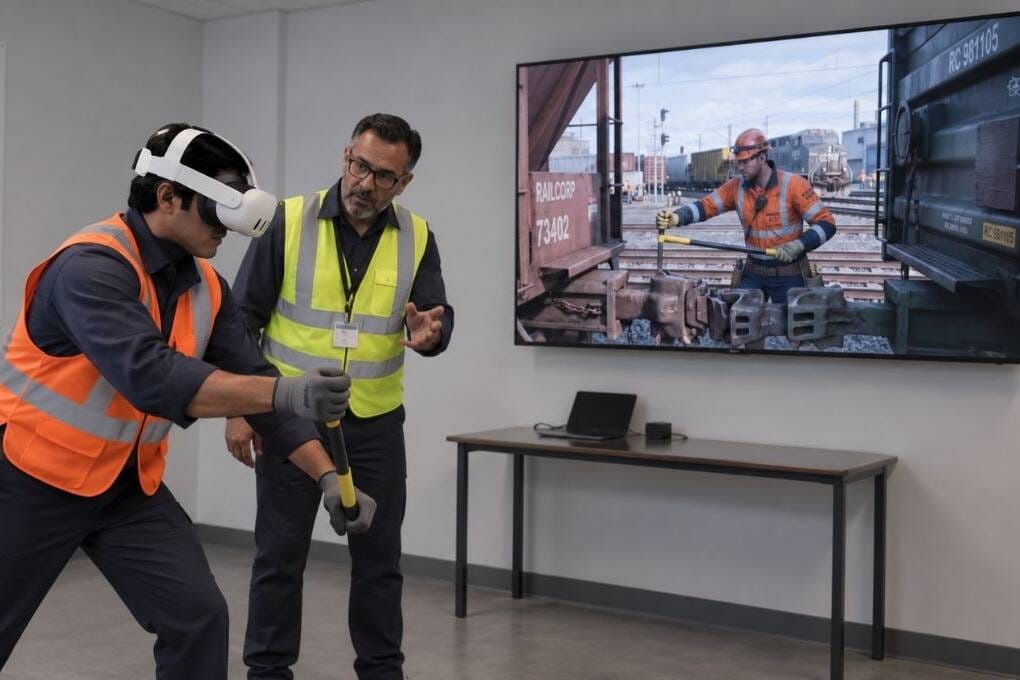
Your trainers are no longer just instructors-they’re experience facilitators.
As part of the deployment strategy, Spatio works with clients to run Train-the-Trainer programs focused on three core areas:
1. Device Handling
- Setup, sanitization, charging, storage
- Casting and pairing with instructor dashboards
2. Troubleshooting
- Common issues and quick fixes
- Reboot, reset, and reconnect workflows
3. Content Familiarization
- Understanding what each module covers
- Knowing how to guide learners without giving away the answers
- Managing retakes and assessments inside the LMS
When trainers are confident with the tools and the content, adoption skyrockets and support tickets drop.
Deployment Is a Discipline-Not a Checklist
VR training doesn’t end with development. It begins with deployment.
To succeed, you need:
- IT alignment to ensure stable connectivity and content delivery
- Device management infrastructure to reduce overhead and maintain control
- Trainer enablement to ensure the human layer knows how to operate, troubleshoot, and support the experience
At Spatio, we build deployment readiness into every project plan-because we know what it takes to go from pilot to global scale without breaking the back of your IT or L&D team.